 ToonTone
ToonTone
ToonTone
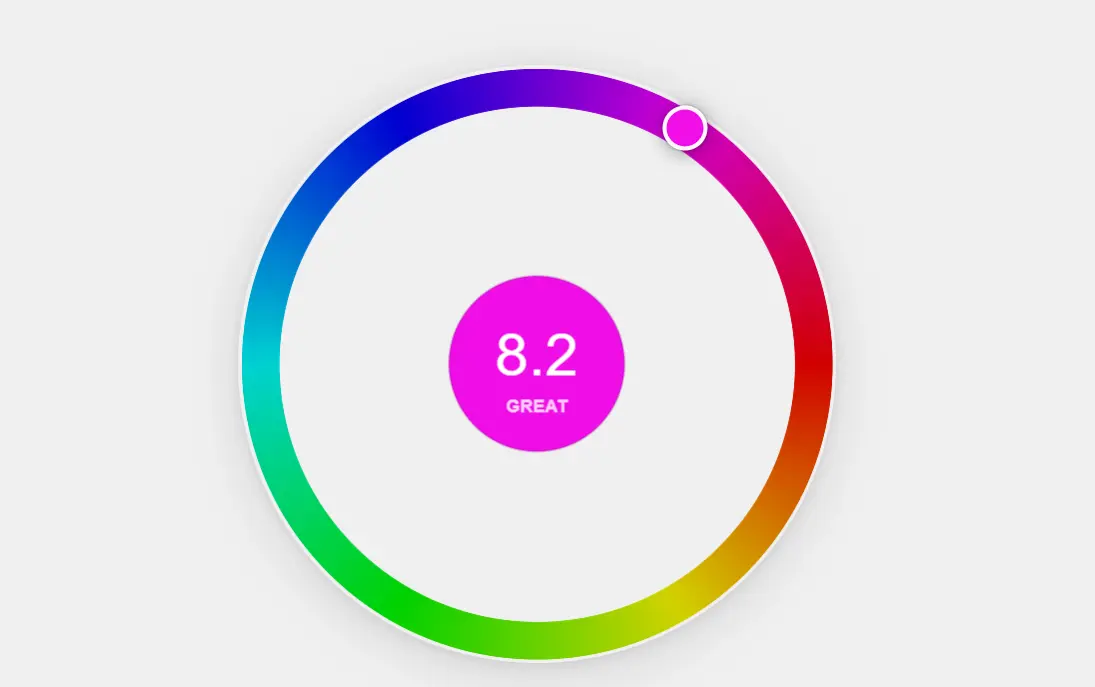
You've seen these characters a thousand times. But can you match their exact color from memory? Toon Tone challenges you to dial in Hue, Saturation, and Brightness to recreate iconic cartoon tones — one slider at a time.
Toon Tone runs on a five-step loop that takes under a minute from start to score. The mechanics stay consistent across every round, so the controls never get in the way of the real challenge — reconstructing a specific color from memory alone.
Toon Tone fills a gap that most browser games don't: fast enough for a two-minute break, precise enough to be genuinely competitive, and actually useful in ways that go beyond casual entertainment.
Most people overcook saturation and undershoot brightness. A few rounds of Toon Tone's real-time feedback teaches you to read color in three dimensions — a skill that carries into design, illustration, and everyday visual decisions.
Share your Toon Tone average score. Compare with friends. Replay for a cleaner run. The controls are simple enough to discuss but precise enough to argue about.
No download. No account. No tutorial wall. Open Toon Tone, pick a mode, play in under 30 seconds. Works on any screen.
ToonTone is a color perception test disguised as a nostalgia game. Every question targets a specific color tied to a character you already recognize — because familiar context makes the memory task harder in an interesting way. You know the color exists somewhere in your head. The challenge is reconstructing it precisely.
Scoring uses a weighted HSB formula: Hue counts for 50%, Saturation and Brightness 25% each. The formula rewards accuracy exponentially — getting close is easy, getting it exact is the whole game. A near-perfect match scores dramatically higher than "close enough."
Toon Tone uses HSB — Hue, Saturation, Brightness — rather than RGB because HSB maps more directly to how people naturally think about color. When you judge a shade as "too yellow" or "a bit washed out," you're reasoning in hue and saturation terms. The sliders in Toon Tone are designed to match that intuition, making adjustment feel natural rather than technical.
Because Toon Tone runs entirely in the browser, there is nothing to install and no account to create. Your personal best is stored locally, so your score history persists between sessions without any data leaving your device.
Each session runs five rounds. When the final score screen appears, a Play Again button lets you start a fresh set immediately — new questions, same format.
| Normal | Easy | |
|---|---|---|
| Color preview | ✗ None | ✓ 3 seconds |
| Starting slider position | Neutral gray | Neutral gray |
| Hint (glow reveal) | ✓ 1 per round | ✓ 1 per round |
| Personal best tracked | ✓ | ✓ |
| Best for | Testing pure color memory | Training your color eye |
Toon Tone works for a range of players because the rules are immediate and the feedback loop is tight. Whether you work with color professionally, play browser games to unwind, or just want to know how well your visual memory holds up — Toon Tone delivers a specific, measurable answer every session.
Designers and illustrators use Toon Tone as a calibration drill. The habit of reading hue, saturation, and brightness as three independent signals — rather than a single vague impression — is exactly what Toon Tone trains. A few sessions a week is enough to notice a measurable shift in how precisely you estimate color without a picker open.
Casual players use Toon Tone as a short daily game. Five rounds, no setup, nothing to unlock. The full Toon Tone experience is available on every visit, and the personal best tracker gives you a concrete number to beat. Most sessions run under five minutes.
Students and teachers use Toon Tone as a hands-on color theory exercise. When a student sees their guess was close in hue but off in brightness, the three dimensions of HSB stop being abstract vocabulary and become something tangible. Toon Tone makes the gap between color perception and color accuracy visible in a way that diagrams rarely match.
The eye detects color family before precision. Drag the hue slider until the tone feels in the right neighborhood, then leave it and move on. Chasing exact hue while ignoring the other two sliders is the most common way to waste time.
Memory tends to amplify vividness. If your guess looks right but scores low, try pulling saturation back. Cartoon colors are often punchy in context but surprisingly moderate when measured.
Hue and saturation usually get players into the right zone. Brightness is what separates a good Toon Tone score from a great one. Ask yourself: was the original closer to a shadow tone, a midtone, or a highlight?
Each round gives you one brief glow of the real color. Don't use it immediately — commit to a guess first, then use the Hint to confirm whether you're too warm, too cool, too pale, or too dark. It's a direction check, not a copy tool.
The 3-second preview in Toon Tone's Easy mode isn't a shortcut — it's a color memory drill. After each reveal, compare what you remembered vs. what you actually saw. That gap is where your color sense improves.
The Toon Tone score screen shows your HSB values alongside the target. Read it. If your hue was perfect but saturation was 20 points off, you know exactly what to watch for next round. The feedback only helps if you check it.